
A Messy Desktop Slows More Than Your Eyes
We all know the desktop. Maybe it's yours right now: a screenshot from three weeks ago, four half-finished Word documents, a PDF you meant to read, an installer...



You’re working away…
And suddenly:
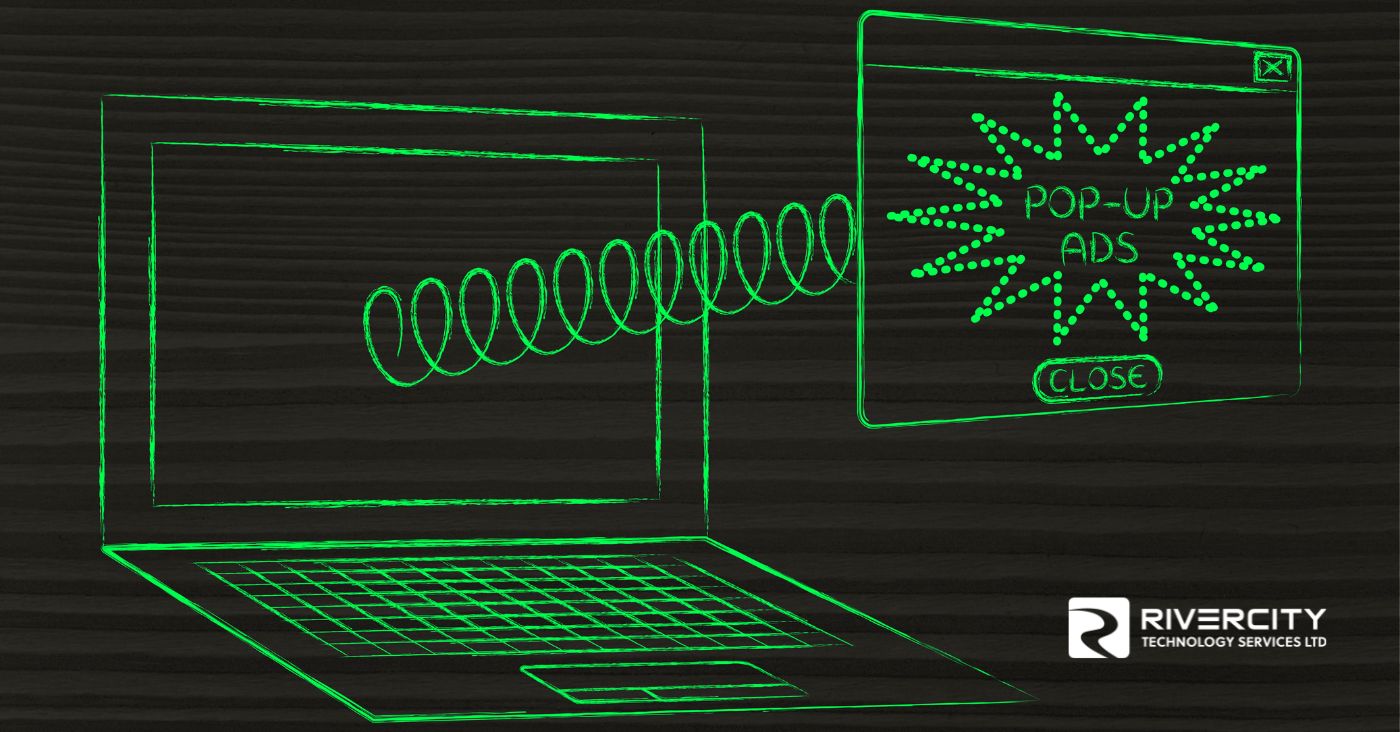
A pop-up.
“Your computer is infected!”
“Click here to clean your system!”
“Update required immediately!”
It looks urgent.
It looks important.
It looks… kind of real.
So what do people do?
Click.
And that’s where things go wrong.
Pop-ups are designed to get your attention fast and make you react without thinking. They rely on urgency, fear, and just enough legitimacy to seem trustworthy.
But most of the time?
They’re not.
They’re scams.
Or traps.
Or shortcuts to downloading something you definitely don’t want.
And one click can lead to:
Not ideal.
The tricky part is that not all pop-ups are bad but the bad ones are getting harder to spot.
So instead of guessing, here’s how to handle them safely.
Even the “close” button inside the pop-up can sometimes trigger something. Avoid interacting with it altogether.
Use the “X” on your browser tab or force close the window if needed. That’s the safer way out.
If something says you need to install or update software, go directly to the official website instead.
Updates help block known malicious pop-ups before they even reach you.
If something feels off, it probably is. Better to double-check than deal with the aftermath.
Pop-ups are built to trick you into acting fast.
The safest move?
Slow down… and don’t click.
At Rivercity Tech, we help businesses put protections in place so these threats get blocked before they ever reach your screen.
Because one click shouldn’t turn into a big problem.
Until next time, keep fit and have fun!
(TYYV) The Yada Yada Version:
Avoid clicking suspicious pop-ups, close them safely, only download from trusted sources and yada yada yada don’t turn a quick click into a bigger security issue.


Copyright © 2026 - All Rights Reserved