

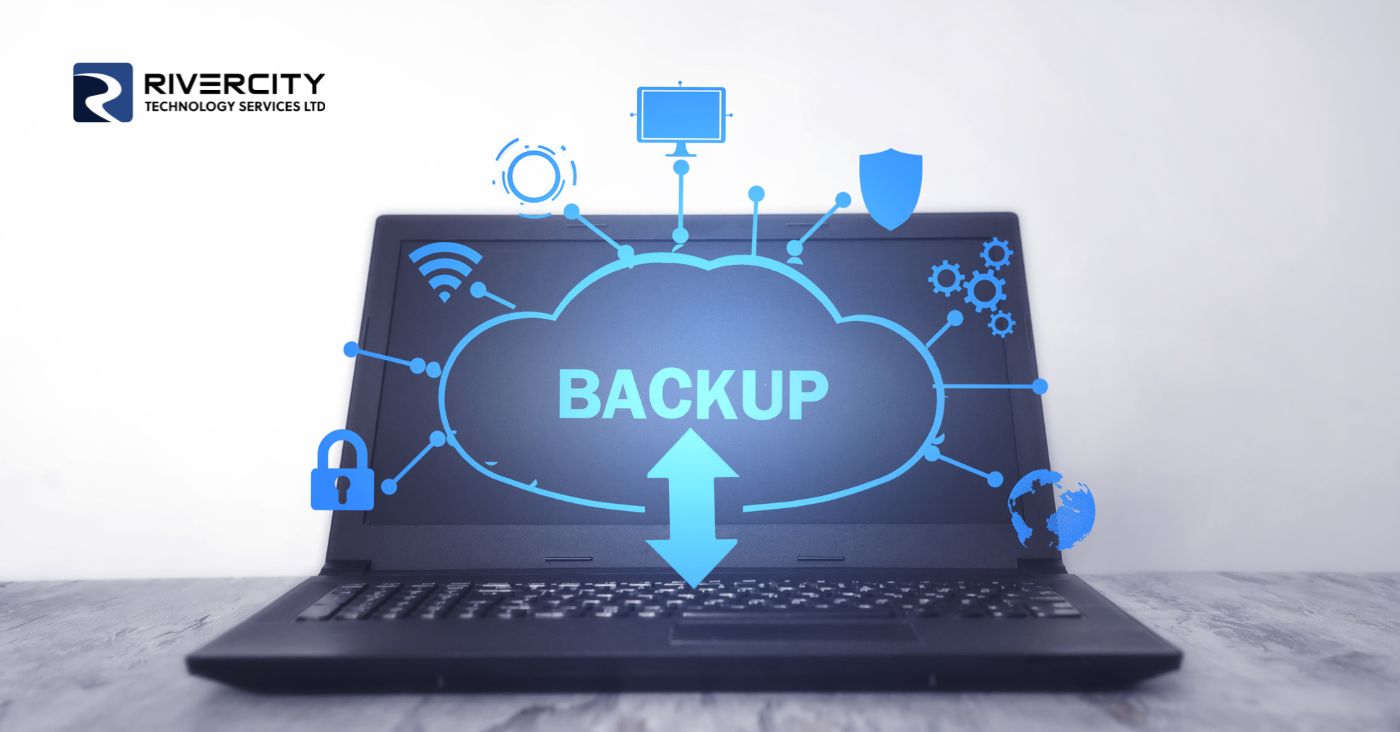
Running Low on Storage? Your Computer Notices Before You Do
You probably know the moment. You go to save a file, download an update, or take one more photo, and a message pops up telling you your storage is almost full. ...




Whether you're answering emails from a coffee shop, finishing a proposal at the airport, or checking in on work from a hotel lobby, public Wi-Fi has become part of how many of us work.
It's convenient, free, and usually only takes a click or two to connect.
The problem? Convenience and security don't always go hand in hand.
Public networks are often less secure than the ones you use at home or in the office, making them a popular target for cybercriminals looking to intercept data or trick users into connecting to fake networks.
The good news is that you don't have to avoid public Wi-Fi altogether. A few smart habits can significantly reduce your risk.
A Virtual Private Network (VPN) encrypts your internet traffic, making it much harder for anyone else on the network to see what you're doing online. If you regularly work from public spaces, a VPN is one of the best investments you can make.
Public Wi-Fi isn't the place to access payroll information, online banking, or confidential client data. If a task involves sensitive information, wait until you're on a trusted network.
Cybercriminals sometimes create fake Wi-Fi networks with names that look nearly identical to legitimate ones. Before connecting, verify the network name with staff or posted signage.
Many devices are set to automatically reconnect to previously used networks. This can leave you unknowingly connected to an unsecured network. Review your settings and disable auto-connect for public Wi-Fi.
Software updates often include security patches that protect against newly discovered vulnerabilities. Keeping your devices updated is one of the simplest ways to improve your overall security.
Public Wi-Fi can be incredibly useful when you're on the go, but it's important to treat it with caution. By taking a few simple precautions, you can stay productive without putting your personal or business information at unnecessary risk.
At Rivercity Tech, we help businesses stay secure wherever work happens, whether that's the office, your home, or your favourite coffee shop.
Because free Wi-Fi should save you money, not cost you your data.
Until next time, keep fit and have fun!
(TYYV) The Yada Yada Version:
Use a VPN, verify networks, avoid sensitive tasks on public Wi-Fi and yada yada yada you can stay productive without putting your data at risk.


Copyright © 2026 - All Rights Reserved