Rivercity Technology Services LTD Logo
About Us
Services
Icon showing a support technician
IT Support Services
Cybersecurity Risk Management at one predictable flat rate.
Icon of light bulbs on a laptop screen
IT Consulting
Business optimization through the smart use of technology.
Icon showing a hand holding a phone
Business Phone Services
VoIP Telephone solutions from RCT. 
Icon showing a database and a cloud
Backups & Recovery
Cloud & On Premise - ready to recover!
Icon showing website wireframes
Website Development & Hosting
Web design and full hosting & maintenance packages!
Icon showing an envelope being opened
Modern Email Management
Microsoft 365 email provisioning, security & management.
Icon of a magnifying glass inspecting binary code on a computer screen
Cybersecurity Risk Assessment
Internal auditing to help identify potential cyber threats.
“You’re giving me the ‘it’s not you, it’s me’ routine? I invented ‘it’s not you, it’s me.’ Nobody tells me it’s them not me; if it’s anybody, it’s me.”
- George Costanza
Learning CenterNewsletterContact Us
Book A Consultation

5 Simple Ways to Speed Up Your Computer

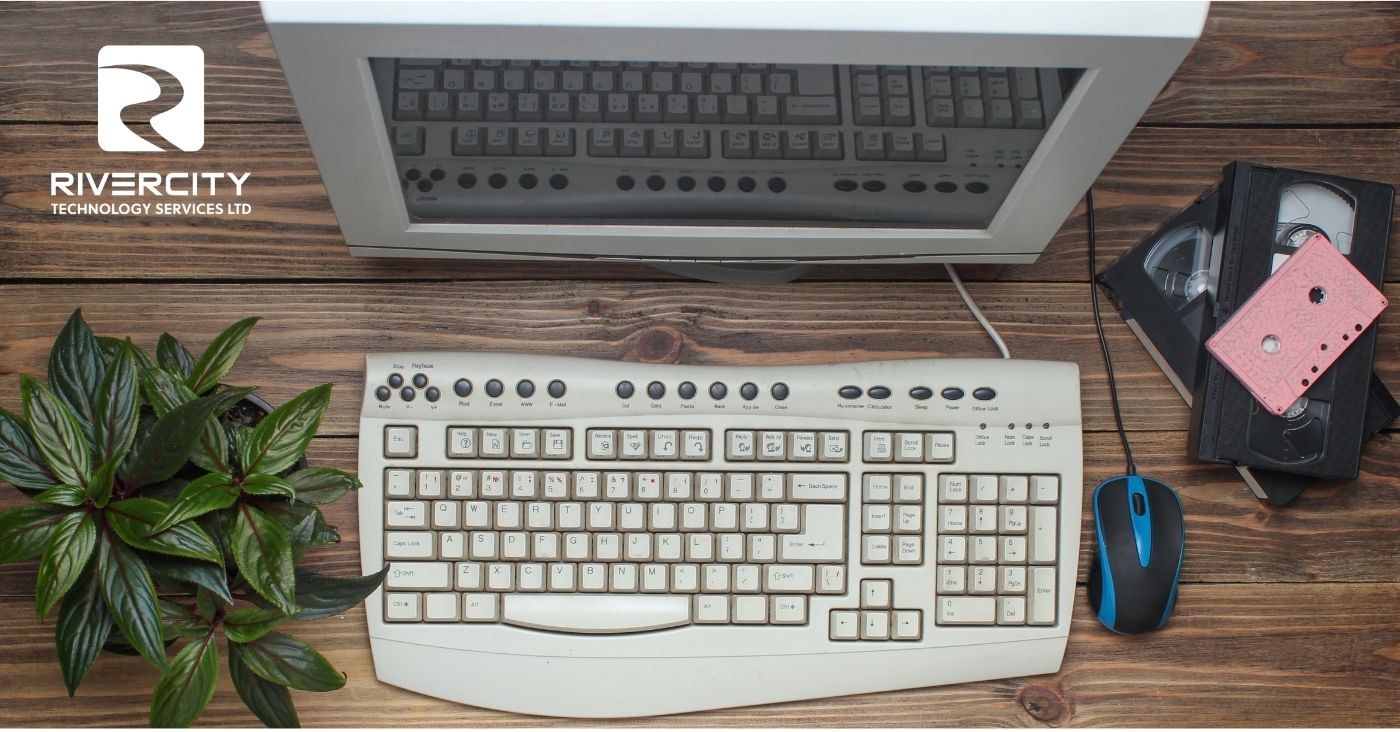
Your computer used to be fast.

Like… really fast.

Now?

It takes forever to start up.
Apps take their time opening.
You click something… and wait.

And wait.

So you say:

“It’s just getting old.”

Maybe.

But more often than not? That’s not the real issue.

Slow computers usually aren’t caused by one big problem.

It’s a buildup of small things:

Too many startup programs.
Outdated software.
Low storage.
Background processes doing their thing quietly.

Individually? No big deal.

Together? Everything slows down.

Before you start pricing out new devices, here are a few simple things to try first.

1. Clean up startup programs

If your computer takes forever to turn on, this is a big one. Not every app needs to launch the second your device starts.

2. Keep your system updated

Updates aren’t just for security, they often improve performance and fix bugs that slow things down.

3. Free up storage space

A full device = a slow device. Clearing out unused files and apps can make an immediate difference.

4. Restart more often

We know… no one wants to. But restarting clears out memory and resets things behind the scenes.

5. Check what’s running in the background

Some apps keep working even when you’re not using them. Closing what you don’t need can boost performance quickly.

A slow computer doesn’t always mean you need a new one.

Sometimes, it just needs a little cleanup.

A few small fixes can bring things back up to speed, and save you from unnecessary upgrades.

At Rivercity Tech, we help businesses get the most out of their technology (without jumping straight to replacements).

Because “it’s just slow” is usually fixable.

Until next time, keep fit and have fun!

(TYYV) The Yada Yada Version:

Clean up startup programs, update your system, manage storage and yada yada yada your computer will run faster without needing to be replaced.


Rivercity Tech
Article Written by Rivercity Tech

Get in Touch

Need IT Services or Cybersecurity for your business? Have tech questons? Contact us today, we'd love to help you!
Blog Sidebar Contact Form
Related Articles
Featured image
Email Overload
Too many emails.Too many notifications.Too many things marked “important” that… aren’t. You open it with good intentions, reply to a few, clear some out...
Featured image
Do You Have Too Many Browser Tabs Open?
How many tabs do you have open right now? 10?25?50+? There’s always a reason: “I’ll come back to this.”“I still need that.”“I might need it later....
Featured image
Too Much Access Is a Problem (Here’s Why)
Someone on your team says:“Hey, I can’t access this file.” So what happens? You give them access.To that folder.Then maybe the whole drive.Then… everyth...
Rivercity Technology Services LTD logo
We are your IT department. How would you like to manage your risk?
102-15 Innovation Blvd,
Saskatoon, SK
S7N 2X8
306-933-3355

Copyright © 2026 - All Rights Reserved

crossmenu